 View your Notes
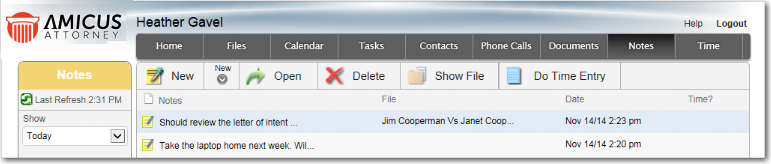
View your Notes1. Click Notes on the navigation bar in a main view.
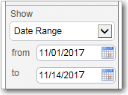
2. Filter the
list to unassociated Notes only, Notes created today, or Notes created
in a date range.
3. Sort the list
(e.g. by date or File).
4. Use the Taskbar to:
o Add, open, or delete Notes.
o Assign the selected Note to a File or view the associated File.
o Add or view the Time Entry on the selected Note.

Tip: Notes associated with a File are shown in the Notes view of the File.
Amicus Anywhere Help (March 2019)
